

Screen · for Admin, Super Admin
A user in full
Profile, agency, state, sign-in history, every change they made and every change made to their account.
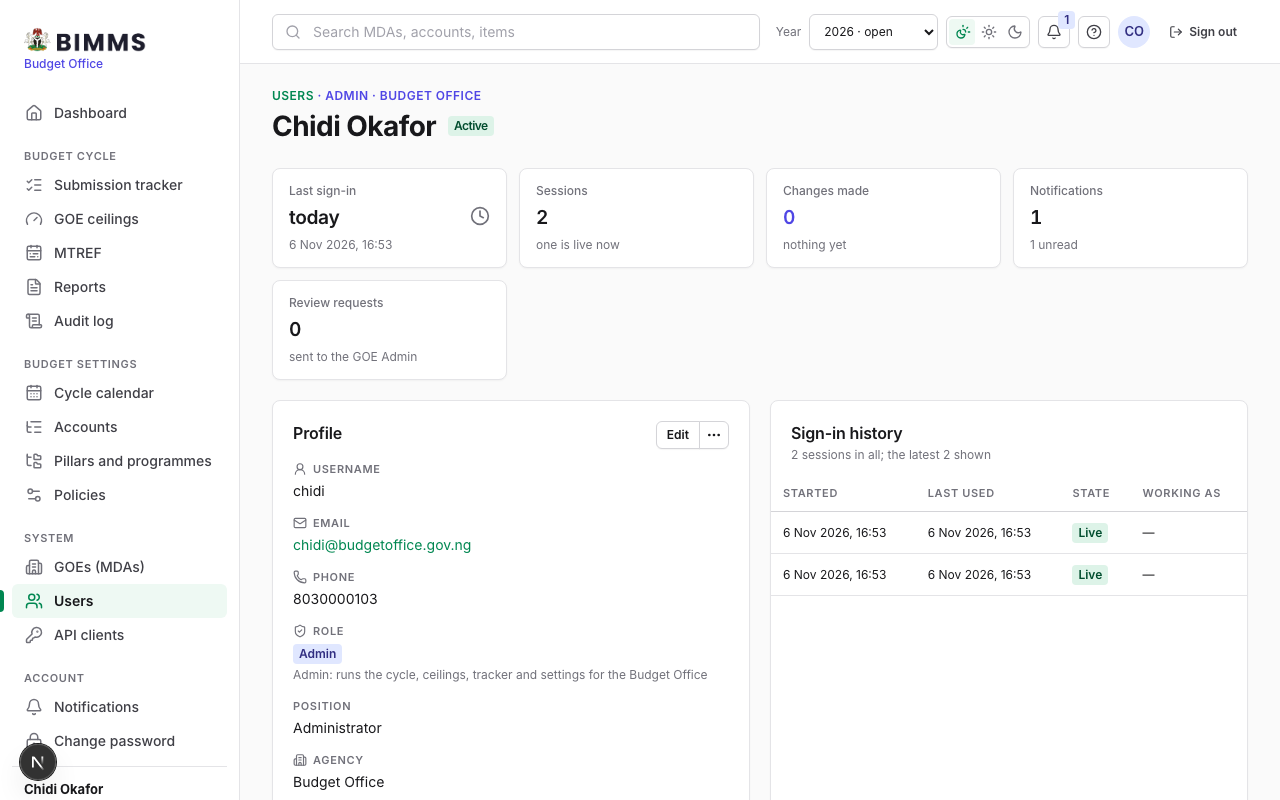
Open a user from the Users list. The strip shows the last sign-in, the number of sessions, the changes made, notifications and review requests. The profile card holds the account facts and the actions (edit, unlock, reset password, deactivate); the tables below are the sign-in history, the audit trail of what this person changed (with the agency, year, source and reason), and the changes made to the account itself.