

Screen · for Admin, Super Admin
Cycle calendar
Open a fiscal year, then the Budget, MTREF and Performance exercises with their deadlines.
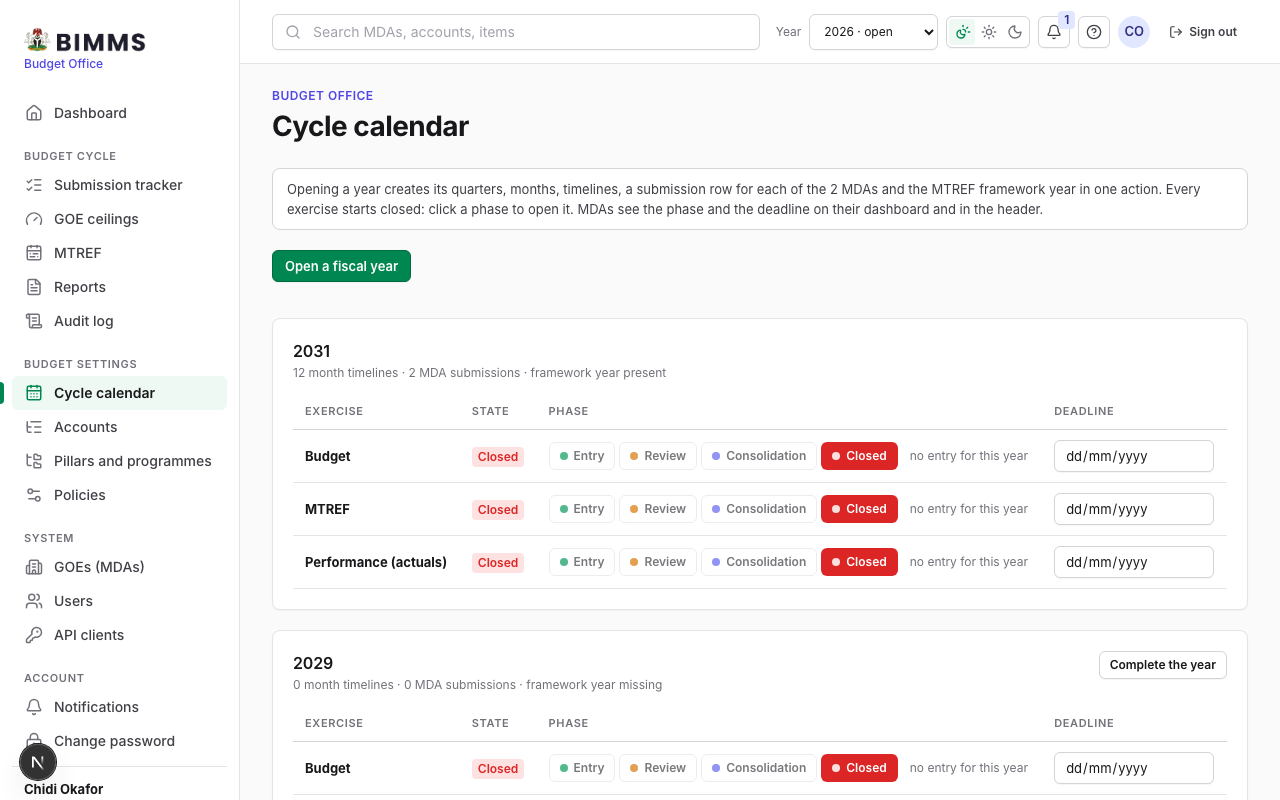
- Open a fiscal year: creates quarters, months, timelines, a submission per MDA and the framework year.
- Click a phase on each exercise: Entry (MDAs enter and submit), Review, Consolidation, Closed (no entry); set the deadline beside it; MDAs see the phase and deadline on their hub.