

Screen · for GOE User, GOE Admin
Personnel, overhead and capital lines
Account-based expenditure lines, each save checked against the headroom.
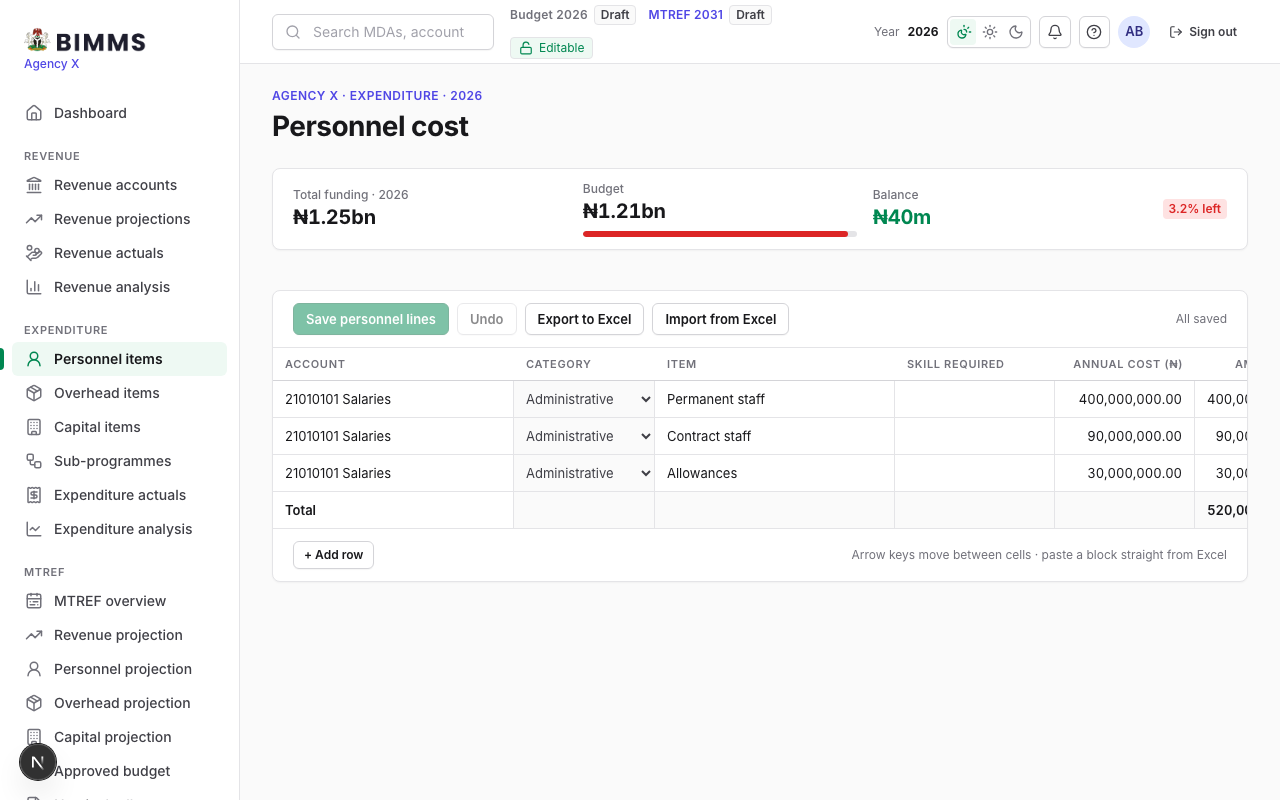
One grid per type. Each line names an account, an item, whether it is administrative or developmental, and the amount. The headroom bar at the top shows what the save would leave. A save that would exceed the ceiling is refused as a whole and the message quotes the balance.
Buttons
- Add line, Save grid, Export to Excel, Import from Excel.
- Delete a line with the row’s cross; the reduction is accepted even when over the ceiling.